Key takeaways: Check the identity, retain the source URL, and separate profile facts from your conversation note.
Why save a profile outside LinkedIn?
A connection request and a contact record have different jobs. LinkedIn is where you might meet, message or follow someone. Your own relationship record can keep the context of the introduction, your private work notes and the next step you agreed.
Save a person when you have a reason to revisit the relationship. A profile you opened once does not need to become a contact. Record the details the person shared or that you are permitted to use; public visibility is not a blanket permission for any kind of collection or outreach.
How do you capture and check one profile?
TaliCRM offers URL-based contact capture. Copy the person’s profile URL, open the contact capture flow in your TaliCRM account, paste the URL into the LinkedIn field, and tap Fetch. Review the resulting details, add your relationship context, and save the contact. Do not assume every profile field will be available.
- Confirm this is the individual’s profile, rather than a company page, post or search result.
- Check that the name, company and role belong to the person you intended to save.
- Keep the profile URL with the record so you can return to the source.
- Add missing details manually only when you can verify them.
- Search for an existing record before saving another contact for the same person.
A profile may have restricted or incomplete information. An unavailable email address is not a capture error you should solve by guessing. Keep the URL and the verified name, then use the channel the person actually offered.

What context should you add after saving?
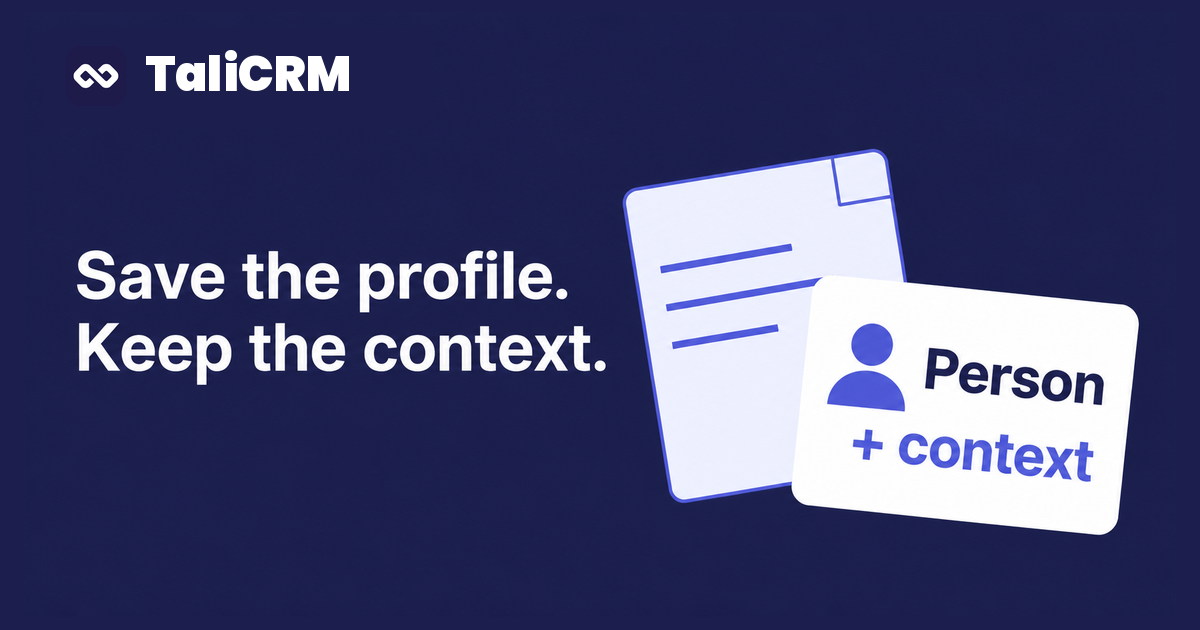
The profile describes professional identity. Your note should explain the relationship: who introduced you, what you discussed, and whether there is a concrete next step. These are details a job title cannot supply.
Keep the note separate from public profile facts. "Comparing interview tools" came from your conversation; it should not be presented as a permanent attribute of the person. If the introduction was only tentative, write "Maya suggested an introduction" rather than "Maya introduced us."
This is the same context you need for a useful first follow-up, whether the introduction happened in a room or online.
How do you keep the record current?
Single-profile capture does not establish ongoing job-change updates, message syncing, bulk export or automated LinkedIn outreach. Revisit the profile when current role or company details matter. Record a change when you verify it, and keep past meeting notes dated so history is not mistaken for the present.
When you have a subsequent meeting, keep a dated note with the person. Record what changed and what you agreed. A later meeting adds relationship history; it does not itself verify every public profile field.
Start with the contacts you are actively speaking with. You can evaluate a new tool using a few real relationships without promising yourself a complete migration. Compare the maintenance work in your existing Notion database before committing to a second permanent system.
How do you troubleshoot an incomplete contact?
The URL produces little or no information
Confirm you copied the intended profile. If the URL cannot be read, open the profile and copy the profile text you can access, then paste it into the same LinkedIn field. Review the extracted details before saving. If that still fails, keep the verified URL and enter the person’s shared details manually. Do not treat inaccessible information as something the tool is guaranteed to retrieve.
The company or role is wrong
Compare the record to the current profile and your own conversation. Correct it before using it in a message. Do not let an extracted title become an unverified opening line.
You already know this person
Check the existing record first. Preserve the older relationship context and add the new encounter where appropriate, rather than creating competing histories.
You expected a browser extension
Tools have different capture routes. For example, LinkMatch documents a profile-saving workflow. This guide describes TaliCRM’s single-URL route, not a promise of automatic LinkedIn synchronization.
Which fields should you save with a LinkedIn contact?
Keep enough information to identify the person and resume the conversation. More fields are useful only if they are accurate and you have a reason to use them. Separate professional identity, relationship context and your own commitments so a later update does not blur those categories.
Swipe or scroll sideways to read all columns.
| Information | What to check | If it is missing |
|---|---|---|
| Name and profile URL | Same person and spelling as the source | Keep the identity unresolved until you can confirm it |
| Role and company | Current position rather than an earlier job | Leave blank or mark the old information as historical |
| Email or phone | A channel the person actually provided | Use the profile or agreed channel; do not invent an address |
| Conversation note | Where you met and a topic you discussed | Write only what you can recall reliably |
| Next action | What you offered, to whom and when | Leave it empty if no commitment was made |
For a fictional example, imagine two contacts named Jordan Lee. One works in education and the other in logistics. A name match alone is insufficient. Compare the original URL, company and introduction before updating either record. If uncertainty remains, keep the new note separate until you can resolve it. Combining two people's stories is harder to correct than leaving a field incomplete.
On a return visit, read the conversation note before looking at the public profile. That order helps you recover why you connected before you become distracted by a changed headline. Then check any current detail you intend to mention.
What does a useful saved profile look like in practice?
Here is a fictional before-and-after example. The starting record says, "Omar, product, LinkedIn." It is recognizable today but gives you little to work with next month. The improved note says, "Met Omar through Maya at the product meetup on October 12. Discussed interview questions for new users. I offered to send our public question list. Email was not exchanged; use our existing LinkedIn conversation."
That record contains a source, a shared context and a specific promise. It does not claim Omar is buying software, has a budget or wants a sales call. Those would be new assertions. You can now write a relevant message without reconstructing the conversation from a job title.
Use the single-profile capture workflow as the starting point, then add the part no public profile can supply: your own relationship history. Before moving on, reopen the saved person and check that both the URL and your note survived. That last read is your acceptance test, not merely the appearance of a save confirmation.
If you keep a separate task list, record the promised document there too and include enough context to find the contact. A note describes what happened; an action tells you what to do. Neither needs an invented deadline. Where timing was not discussed, choose your own work date without presenting it as an agreement.
What else should you know about saving LinkedIn profiles?
Does saving a profile import all my LinkedIn connections?
No. TaliCRM's LinkedIn contact page describes one profile at a time and says it does not import your network. Treat a whole-network migration as a separate requirement to evaluate, not an assumed extension of this tutorial.
Do I need a LinkedIn CRM browser extension?
Not for the URL-based process described here. An extension can be a different product's capture route, so check its specific setup and permissions. TaliCRM's meeting recorder extension is a separate recording tool; installing a recorder is not a step in saving this profile.
What should I do when no email address is captured?
Save the verified information you have. A profile URL and a useful note can be sufficient for continuing an existing conversation. Ask for a preferred contact channel when appropriate. Do not turn a guessed email format into a confirmed contact detail.
Should I save a profile before accepting a connection request?
Decide based on the relationship you want to remember, not the connection button. If someone introduced you for a specific discussion, you can preserve that context. If you have no reason to revisit the person, there is no need to create another record to maintain.