Which question do you need your CRM to answer?
"What did we discuss, and what do I owe this person?" is a relationship question. "Which opportunities are likely to close this month?" is a sales-process question. You may need both, but they point to different workflows.
Sales CRMs also store people and conversation history. They do not require every relationship to be a deal, and some can be configured for broader work. The decision is whether the parts you need are easy to use and whether the maintenance fits your situation, not whether a whole software category is wrong.
For example, folk describes a sales-focused CRM. If you need shared deal work and sales activity, evaluate those capabilities directly rather than trying to make a personal tool handle them.
What is the difference between a personal CRM and a sales CRM?
A personal CRM is a place to maintain your own relationship context. A sales CRM supports a selling process, including the people involved and the commercial work around them. The distinction is an emphasis, not a claim that sales tools cannot store personal notes or that every personal tool has identical features.
Salesforce describes a sales pipeline as a view of where prospects sit in a sales process, including next steps and obstacles. That is useful when you need to decide which opportunity requires attention. A reminder to thank a former colleague for advice answers a different question, even if both tasks involve a contact.
| Decision | Personal relationship workflow | Sales workflow |
|---|---|---|
| Starting point | A person and your shared context | A person or account linked to an opportunity |
| Useful record | Where you met, what you discussed, what you owe | Opportunity stage, owner, decision process and next action |
| Typical review | What should I remember before speaking again? | What needs to happen for this opportunity to progress? |
| Success criterion | Accurate context and completed commitments | Reliable opportunity management and reporting |
| Check before choosing | Capture, retrieval and realistic upkeep | Required stages, team access and reporting |
These are evaluation criteria, not a feature guarantee for every product. Ask a vendor to demonstrate the actual record and review process you need. A label such as “simple CRM” does not tell you whether your information will be easy to find.
A solo consultant may need a sales system for active proposals and a relationship record for peers, mentors and past clients. A founder may need company-owned sales records while keeping a separate, permitted record of professional introductions. Decide where each type of information belongs before copying it into another tool.
What belongs in a useful relationship record?
- Person: verified identity and the contact channel they shared.
- Context: how you know one another and why the relationship matters to your work.
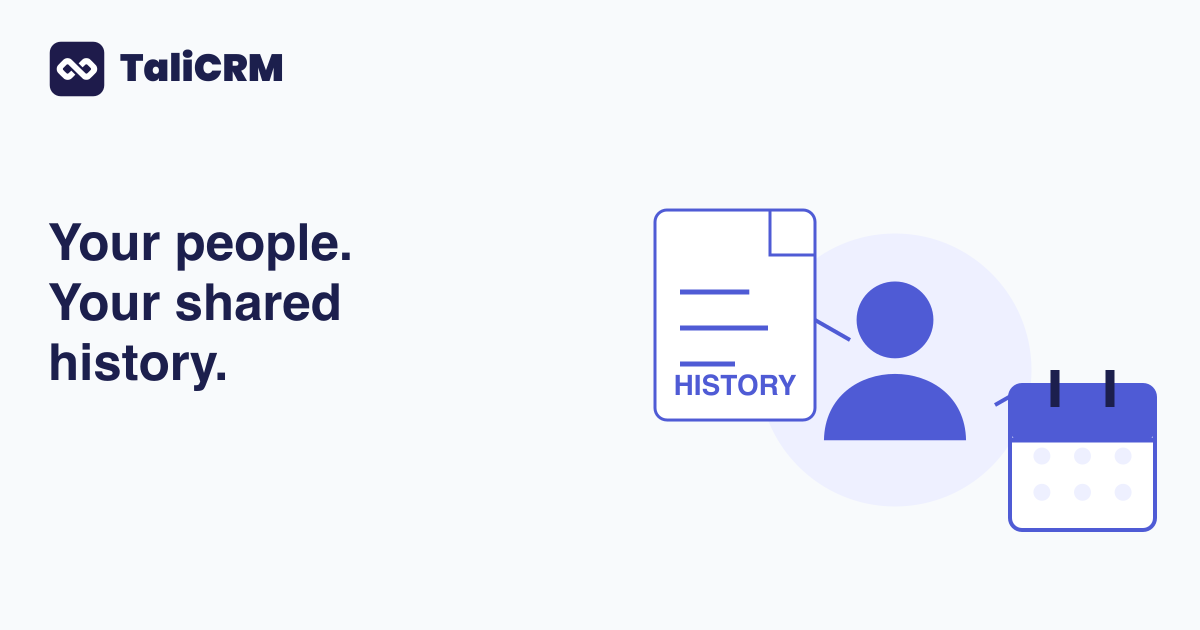
- History: dated notes or reviewed meeting summaries.
- Next action: a specific commitment, if one exists.
That fictional record is useful even if Ari never becomes a customer. It tells you how to resume the conversation and whether an action is open. It does not need a deal value or an invented stage.

Which kind of tool fits your actual work?
| Your main need | A reasonable starting point | What to check |
|---|---|---|
| A few names and short notes | Your current notes or contacts app | Can you find the context when needed? |
| Repeated conversations with individuals | A personal CRM | Can you capture, retrieve and act without duplicating records? |
| Custom documents and databases | A workspace such as Notion | Can you maintain the structure and permissions? |
| Shared opportunities and sales reporting | A sales CRM | Does it support your team, stages and reporting needs? |
| Long meeting records and team notes | A meeting-notes tool | Can you review and retrieve the required conversations? |
There is no contact-count threshold that makes a spreadsheet stop working for everyone. Switch because a needed workflow is unreliable or expensive to maintain, not because you reached an arbitrary number of rows.
A notes workspace is a valid choice, and current Notion supports AI Meeting Notes. Compare the total Notion contact workflow if you already have a database you like.
When is a spreadsheet or notes app enough?
Keep your existing system if it reliably answers your next question. A basic table with name, contact channel, context, last conversation and next action can be enough for a small set of active relationships. The important test is whether you maintain it and can find it when you need it.
A spreadsheet gives you a visible list that you can sort yourself. A notes app gives you room to describe a conversation. Either can become awkward when identity, meeting history and unfinished commitments live in separate places. That is a workflow problem to test, not proof that spreadsheets have a fixed expiry date.
Imagine a fictional independent designer, Alex, who keeps a short table of collaborators. Before a call, Alex finds the person's row, reads a linked note and sees the open action. Nothing is missing, so there is no urgent reason to switch. If Alex later starts searching several documents to reconstruct each conversation, a connected contact record may deserve a trial.
Before buying anything, write down the repeated failure. “I forget to look at my notes” may call for a calendar habit. “I cannot tell which note belongs to which person” may call for better organization. “I need another colleague to own this opportunity” may call for a shared sales workflow. Software is useful only if it addresses the actual failure.
Where does TaliCRM fit in the comparison?
TaliCRM is a personal CRM with contact capture from business cards, LinkedIn details and voice notes, relationship notes and tasks. Its recorders provide a route for adding processed meeting notes. Review the summary and confirm or assign the contact in Meeting Inbox when needed.
The useful outcome is a contact record you can return to with a clear history and next step. Capturing information does not guarantee that every field is correct, every meeting finds the right contact, or a follow-up happens without you.
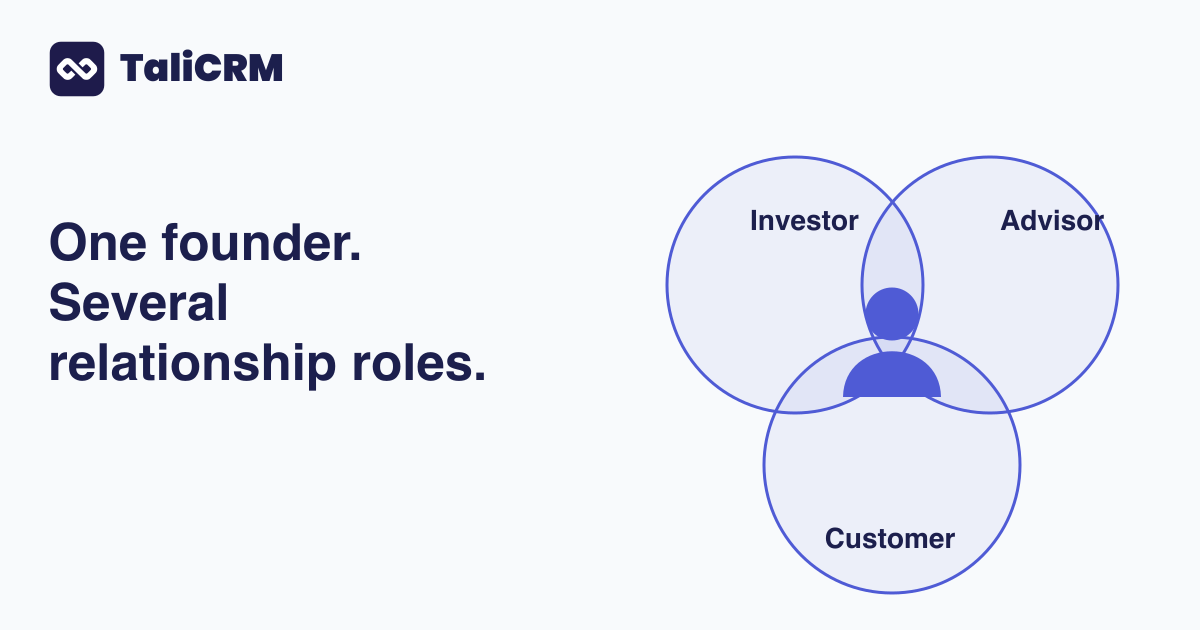
Different readers use that record differently. A consultant’s relationship workflow may center on repeat clients and referrals. A founder’s contact workflow may retain several roles for one person.
How should meeting notes fit into a contact record?
Keep the source conversation separate from the conclusion you will rely on. A long transcript can preserve detail, but the useful pre-call note is often the last decision, the open question and the action you agreed. Link those ideas to the right person rather than copying a whole transcript into several unrelated records.
For a fictional example, Sam says, “We could review the outline next month if the project goes ahead.” That is a conditional possibility. It should not become “Sam approved the project” or a confirmed meeting. A careful note would say that the project is undecided and a later review depends on approval.
When recording is appropriate and agreed, use a compatible recorder and review its output. TaliCRM's recorder page explains that browser and Mac recordings upload for processing and appear in Meeting Inbox for review. Confirm the contact assignment, correct significant errors and distinguish suggestions from commitments. Bot-free capture does not remove the need to tell participants or obtain appropriate consent.
You can also write a manual note. The point of the record is continuity, not recording every exchange. If a conversation contains information you should not put in a personal tool, keep it in the approved system and retain only permitted context.
How can you test the workflow with one contact?
- Choose someone you expect to speak with again.
- Save their verified details and one context note.
- Add the next action you actually agreed, or leave it empty.
- Return before your next conversation and retrieve what mattered.
- Update the record after the exchange.
If that test helps, add the next active relationship. If it creates another place to duplicate notes, reconsider the workflow. You do not need a complete migration to learn whether the tool fits.
For an event, start with a reviewed event contact list. For a repeat call, start with retrieving the last decision and open commitments. The TaliCRM welcome introduces this person, context and next-step approach.
How do you evaluate a personal CRM before moving your network?
Run a small, reversible trial with a contact you expect to speak to again. Write down the task you want the tool to improve before opening it. For example: “Before Thursday's call, I need to find the constraint Maya mentioned and check whether I sent the promised document.” That is specific enough to judge.
- Capture: enter the person's verified details and correct anything the capture process gets wrong. Count correction as part of the work.
- Context: add one dated note about the conversation. Avoid building a large taxonomy before you know what you search for.
- Action: create only a real next step. Include the recipient, the thing you will do and the agreed timing.
- Retrieval: return on another day without relying on memory. Can you find the right person and distinguish an old discussion from a current commitment?
- Upkeep: after the conversation, record what changed. Check whether this fits an ordinary workday.
Use the same task in your current setup. Compare the friction, missing context and correction work, not just the number of screens. Keep a short note of what helped and what still required manual effort. If both systems work equally well, switching may not justify the migration.
The personal contact management workflow in TaliCRM is one option to test for this person-context-action loop. Judge it against your own requirement rather than importing every old contact first.
Before expanding, verify how you can retrieve or export the information you need, which account owns it, what happens when access ends and what your organization permits. Do not assume that a contact export includes notes, attachments and meeting history. Test a representative record in the intended destination before treating a migration as complete.
Keep the original system available during the trial and decide which record is authoritative. Otherwise, two apparently complete copies can drift: an old email address in one, a new commitment in the other. A smaller, clearly maintained set is more useful than a large import you cannot trust.
What else should you know before choosing?
Can you use a CRM if you are not in sales?
Yes. Relationship notes and next actions can support consulting, networking, mentoring and other professional work. Choose a system around the information you need to remember. You do not need to invent a sales opportunity for every person.
Can a personal CRM replace a sales CRM?
Only if it meets your actual requirements. If you need team ownership, opportunity stages or forecasting, evaluate those needs explicitly. TaliCRM's personal relationship workflow is not a promised replacement for a sales operation.
What is the difference between a contact manager and a personal CRM?
A contact manager may be enough to retrieve names and addresses. A personal CRM workflow adds the context and next action needed to resume a relationship. Product categories overlap, so inspect the actual record rather than trusting the label.
Is a personal CRM worth it for a small network?
Possibly, if it solves a recurring problem. There is no universal contact threshold. If your current notes reliably support your next conversation, keep using them. If you repeatedly lose commitments or context, test one active relationship before paying or migrating.
Does a personal CRM automatically keep relationships warm?
No tool can decide whether a message is considerate or useful for you. Treat notes and reminders as prompts for judgment. Review the current context, decide whether to reach out and complete the action yourself.